





卸载你现有的cursor- 下载稳定版本cursor 链接:Cursor Setup 0.44.11 – Build 250103fqxdt5u9z-x64.exe (访问密码 3896)
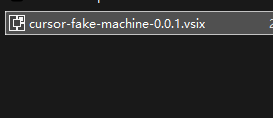
- 下载续杯插件 链接:cursor-fake-machine-0.0.1.vsix – (访问密码 3896)
- 断网安装稳定版插件 断网!断网!断网! 重要的事情说三遍!!
- 安装完成之后先不要打开软件,打开了也关掉
- 右键桌面的cursor快捷方式 ,选择打开文件所在位置。
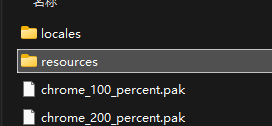
- 打开resources文件夹
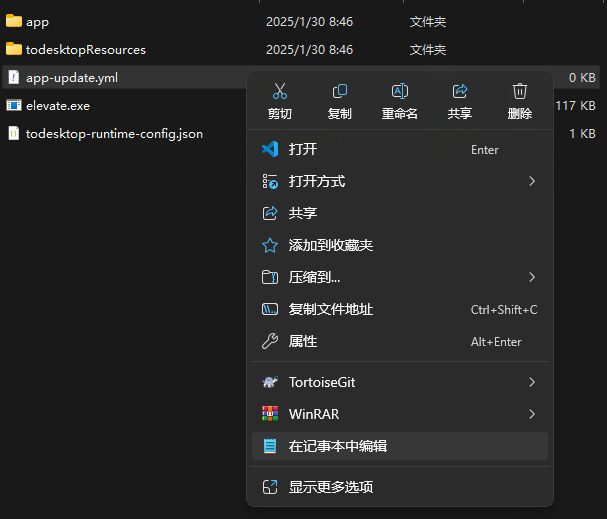
- 右键 app-update.yml 用记事本打开
- 删除里面的全部内容,删除后保存
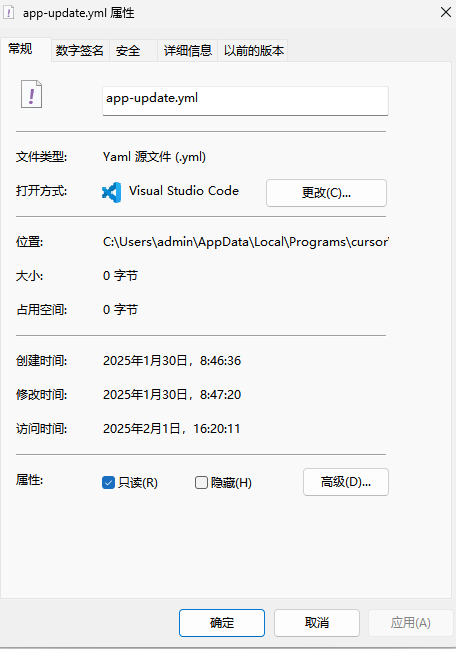
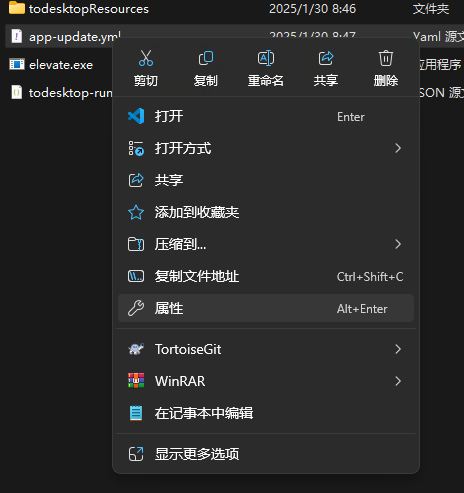
- 右键app-update.yml 选择属性
- 属性设置为只读,然后点击应用
- 打开网络 双击下载好的续杯插件,安装插件
- 打开cursor 按ctrl+shift+p,输入fake,点击第一个

- 重启cursor登录你的账户
如果碰到
- Too many free trial accounts used on this machine.Please upgrade to pro. We have this limit in place to prevent abuse. Please let us know if you believe this is a mistake.
- [New Issue]Composer relies on custom models that cannot be billed to an API key.Please disable API keys and use a Pro or Business subscription.
Request ID: xxxxxxxx-xxxx-xxxx-xxxx-xxxxxxxxxxxx
请重复上述步骤13-14
- You’ve reached your trial request limit.
请更换新账号后,重复上述步骤13-14,然后登录新账号
© 版权声明
文章版权归作者所有,未经允许请勿转载。
THE END

















暂无评论内容